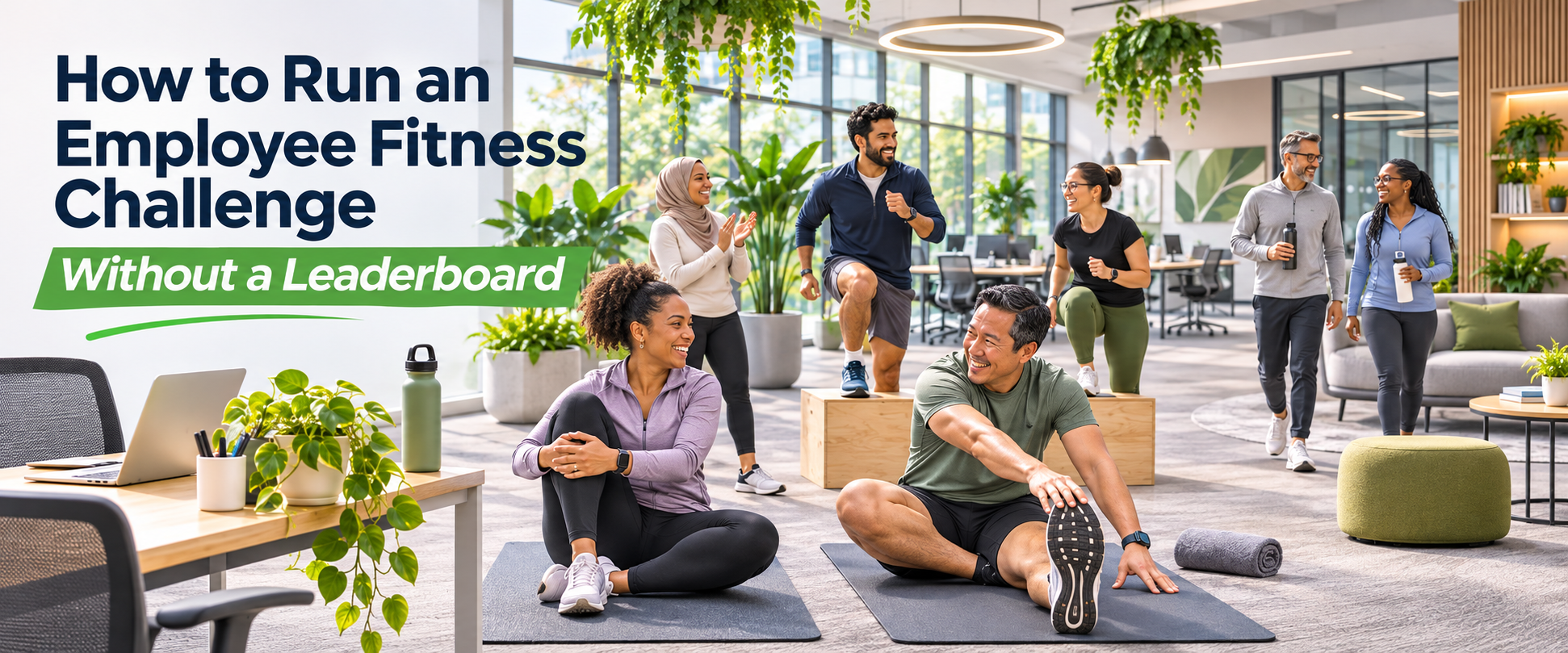
A public ranking can be fun for employees who already track their activity. A shared milestone gives people another reason to join. They can contribute in ways that fit their schedule and ability, and the group still gets to see what it achieved together.
Give Employees a Choice of Goals
Invite each employee to choose one action they can repeat each week. Examples include taking a short movement break, joining a guided activity, walking during part of lunch, or doing a seated movement routine. Explain the choices in the invitation so people can see how they can take part before signing up.
Offer a simple check-in with an option to say “I took part this week.” Employees can keep their activity totals, duration, and fitness goals private. Use a form or another channel that every eligible employee can reasonably access, and state who will see individual responses.
Use a Shared Milestone
For a four-week pilot with 20 participants, give the group a goal of 40 weekly check-ins. Each participant can contribute up to one check-in a week. Someone who attends one session contributes the same weekly check-in as someone who takes daily breaks. The cap makes the rules easy to explain and gives new participants a clear way to contribute.
Share the group total once a week. “We’ve logged 16 of 40 check-ins” gives everyone a clear update. Invite employees who missed a week to rejoin when they are ready. If the challenge covers a small group, consider reporting the total across the entire event so that individual responses are harder to infer.
Close With a Decision Employees Can Influence
Thank the group and acknowledge the milestone, then ask which activity people would actually like to keep doing. A single optional question gives you something to act on. If employees enjoyed guided breaks, test a recurring session. If they preferred flexible options, keep a short menu employees can use on their own time.
A sample launch note could read, “Choose one movement habit you can repeat this month. Check in once during any week you take part. We’ll share our total as a group each Friday.”
Choose the Behavior Before the Prize
Decide what the challenge should help employees do more regularly. If the aim is to create short movement breaks, choose actions that are possible during a typical week and ask employees to pick one. If the aim is connection, offer an optional activity employees can do with a colleague. A broad invitation can include both, but tell people which check-in counts. Leave the prize decision until the basic activity is clear. Recognition can be as simple as a note thanking the group or an optional team session employees vote to try together.
Set a Baseline Without Tracking People
Use the registration count for the first milestone estimate. If 20 employees have signed up, four weeks create 80 possible check-ins under a once-a-week cap. A goal of 40 is easy to explain as an average of two check-ins per registrant across the full period. When employees join after launch, leave the original goal in place and say new check-ins still count. Write down how you will handle late check-ins before sending a reminder. Consistent rules make it easier for employees to understand how the total was calculated.
Give the Host a Week by Week Plan
In week one, send the activity choices and the link to the check-in. In week two, share a group update and remind employees they can choose a different activity if their first one is awkward to repeat. In week three, ask one teammate or facilitator to share a simple movement idea people can try. Close week four with the final total and a one-question poll about what to continue. Keep each message short enough to see the action without opening a separate document. Where employees use different channels, publish the same dates and rules in each place.
Work Through the Numbers With a Sample Week
Imagine four employees walk outside, six do short movement breaks, and three join a class. If all 13 check in, the group gains 13 toward the shared goal. An employee who walked, did mobility exercises, and attended a class still adds one. If a participant accidentally submits twice, the organizer counts a single response for the week. Only the group total goes into the Friday update. Explain the cap in plain terms in the first email. The fewer exceptions an organizer has to remember, the easier it is to keep the challenge consistent.
Decide What Employees See
Keep the sign-up and check-in separate from the update where practical. A small organizing team may need access to submissions to handle duplicate entries, while participants can see the overall milestone. Ask for the minimum information needed and give employees the option to take part informally if they prefer. If a small team would make a weekly result easy to trace back to a single employee, post a cumulative update less frequently or combine totals across groups. Clear communication about how the check-in is used can make the invitation easier to understand.
Keep the Launch Open to Late Joiners
Tell employees whether they can join after the first week and how those check-ins will count. One simple rule is to allow people to register any week and contribute for that week and the weeks that follow. Include a short explanation for anyone who found the invitation late. If participation changes after launch, you can adjust the support you offer without changing the group goal midstream. For example, add a reminder through a channel you missed or offer a short demonstration for people who were unsure how to begin. Ask the host to repeat the start and end dates in every update so someone who sees only one message can still understand how to take part.
Questions About Running a Challenge Without Rankings
Can departments still participate together
Yes. Departments can host their own optional activity while contributing to a single company milestone. Ask each department to use the same definition of a weekly check-in and the same submission deadline.
What happens if the group misses the target
Share the final number and ask what got in the way. A 28-of-40 result can still tell you whether people preferred shorter activities or needed a different reminder. Use that detail to plan the next activity.
How can remote employees take part
Offer actions employees can do where they work and give them access to the same check-in. When an on-site class is listed, include an equivalent option people can complete independently. Keep the shared milestone visible in a channel remote employees already use.
Build a Challenge for Your Team
Run Fit Well designs corporate fitness challenges around workplace schedules and participation goals. Tell us about your team and the kinds of activities employees can realistically fit into their day.